
Analyst Pro · beta
Digital Draping Studio
Upload your client's photo, lift them onto a neutral studio backdrop, then drape season-coded colour fans across the chest to verify their season the way you would in person, without the fabric.
Step 1 of 3 · Photo guidance
Take a clean, daylight photo of your client
Colour analysis is a science, even, neutral light is essential. Treat it like a passport photo.
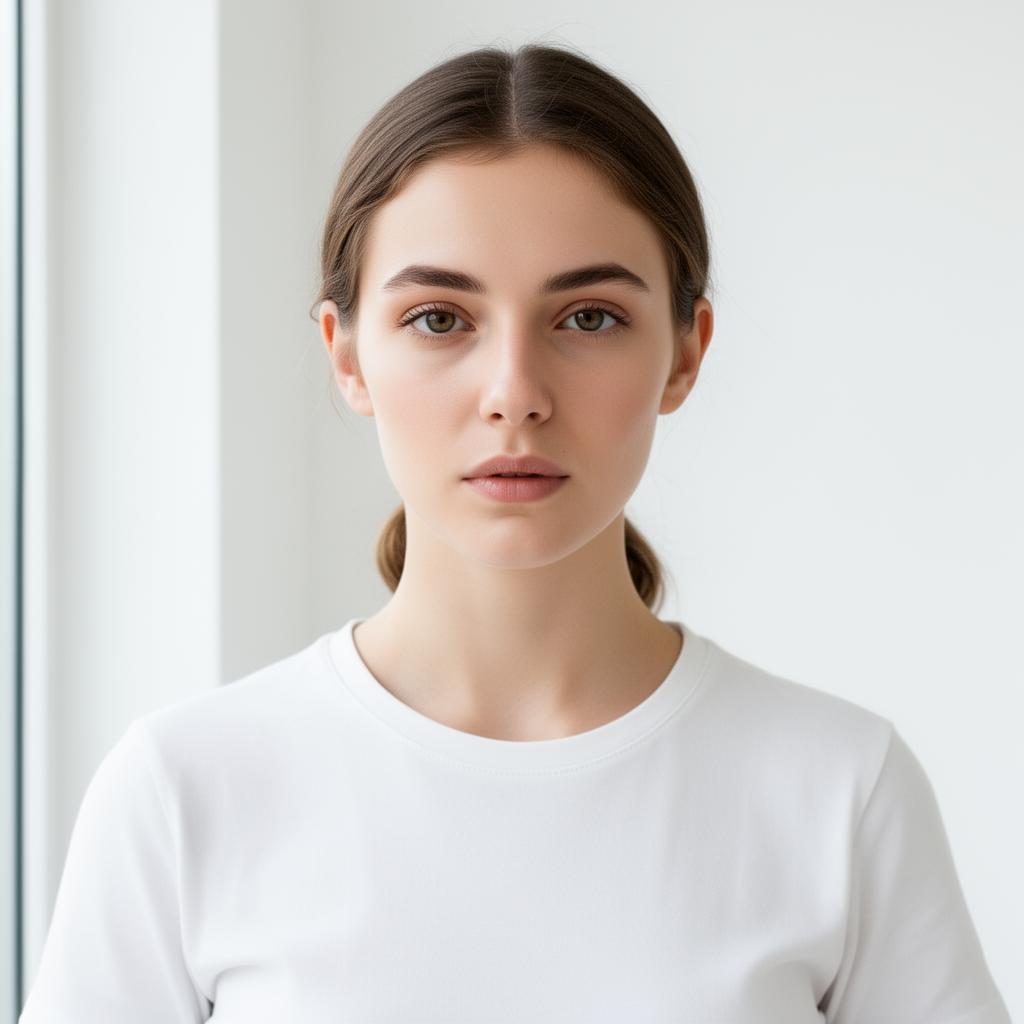
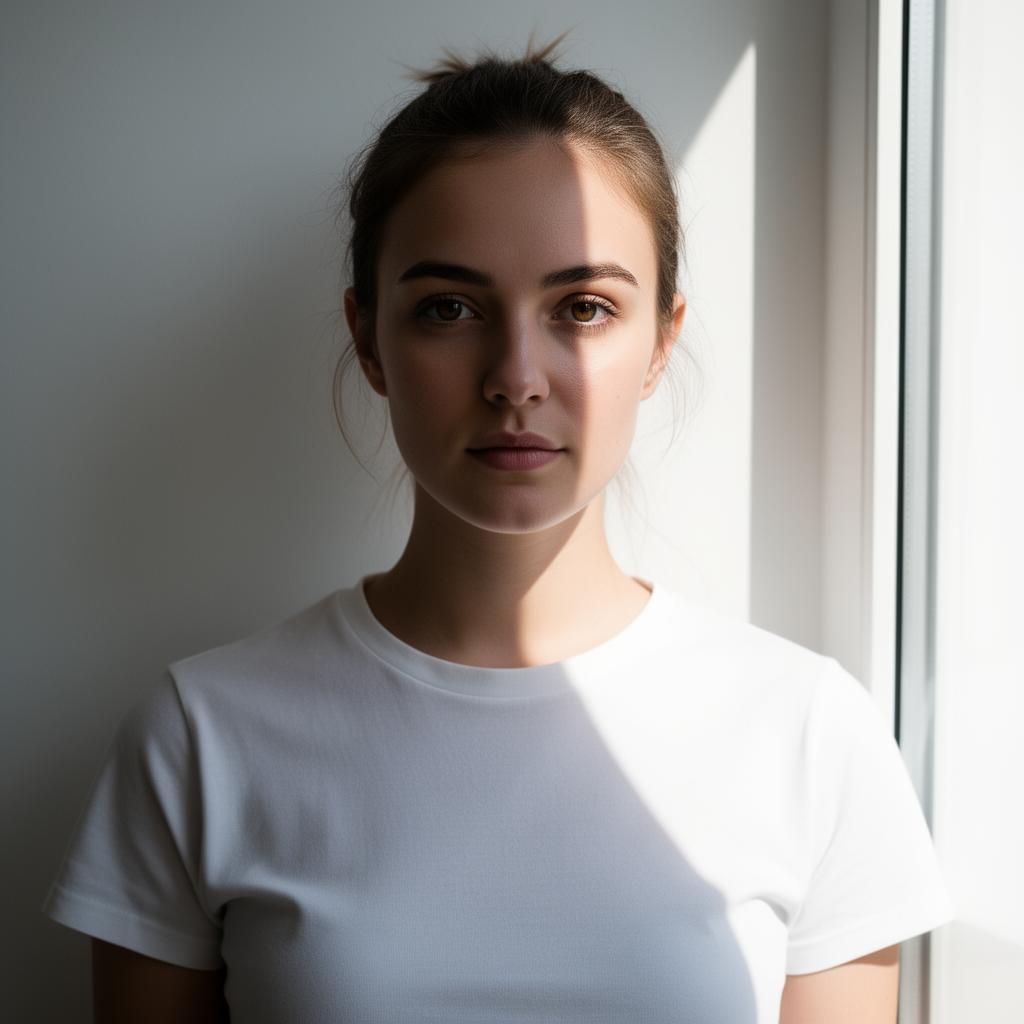
For best results
- • Face the windowdaylight full-on, no shadow across the face
- • Camera in front of the window, lens pointing back at the client
- • Avoid side-lighting, direct sun, lamps, or coloured walls
- • Plain white or off-white wall behind the client
- • No makeuphair tied back off the face
- • Plain neutral top (white or grey), no jewellery near the face
- • Head & shoulders in frame, camera at eye level
What's coming next
- · Drape library, 4 reds, 4 greens, 4 blues, etc., one per season
- · Drag, resize and rotate drapes over the chest (Canva-style)
- · Side-by-side compare (2 or 4 drapes at once)
- · Export PDF report with your studio logo for the client