
Pro Hub
Run professional colour client sessions from your phone or laptop with ease.
Five gateways to run a colour session end-to-end. Pick where you are in the journey.
Step 01 · Your quizzes
Explore Colour Quizzes
Three diagnostic quizzes for personal and professional use: your Colour Analysis quiz to find your 12-season palette, plus Colour Personality and Colour Psychology, included with Glow and Pro.
Explore the quizzesStep 02 · Your library
HUEME Swatch
All 12 seasonal palettes, always to hand. Your colour identity, perfectly curated.
Open HUEME Swatch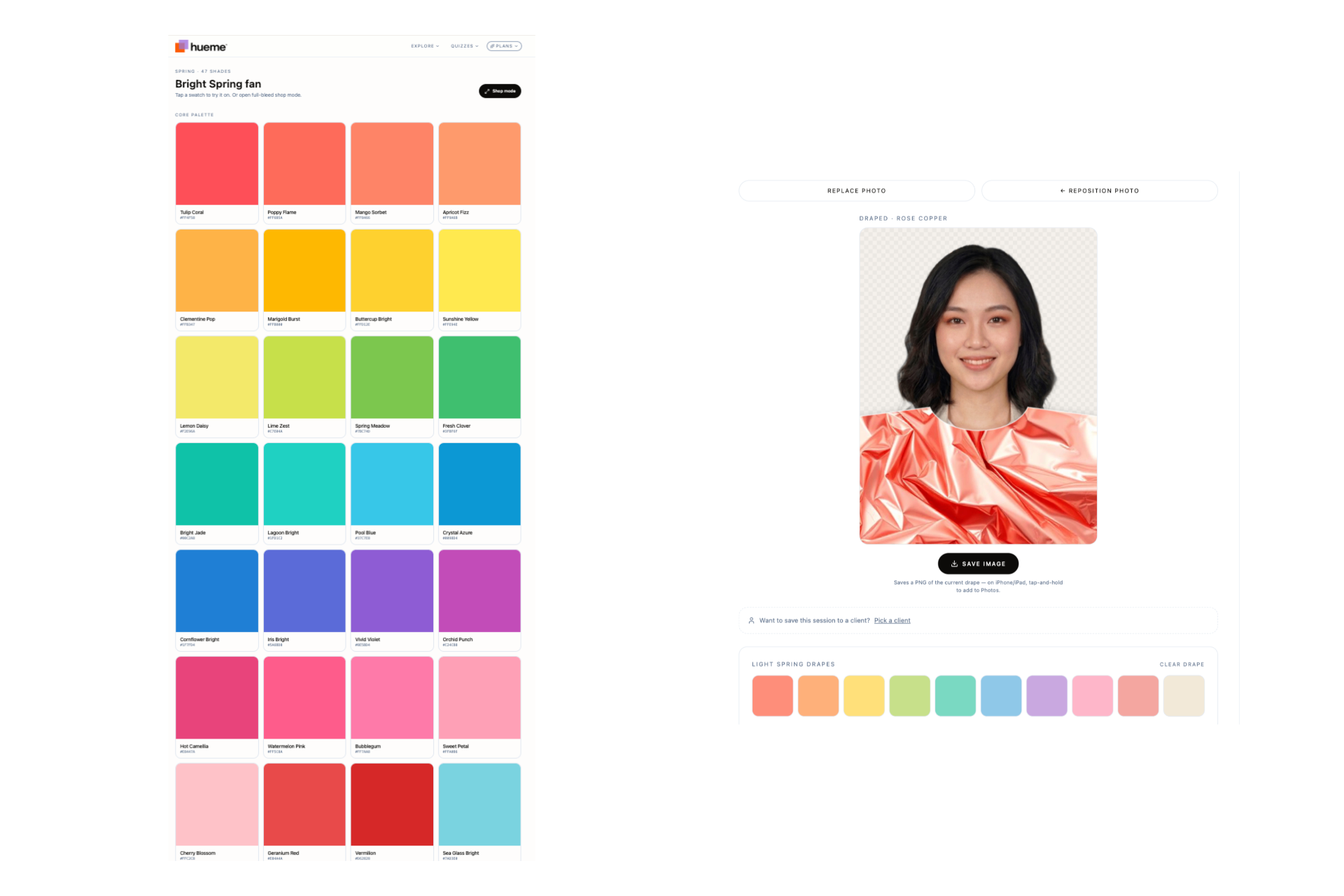
Step 03 · The session
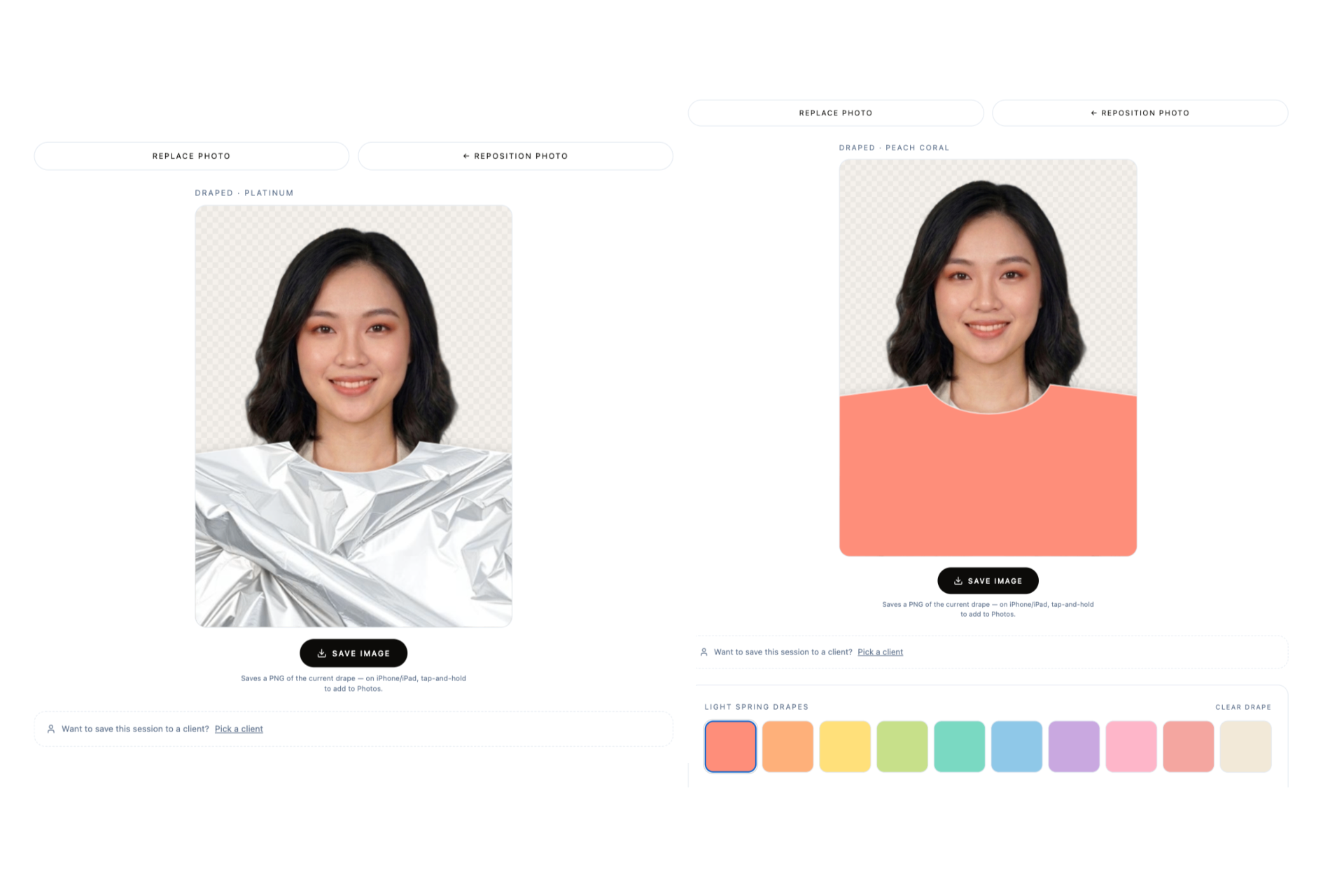
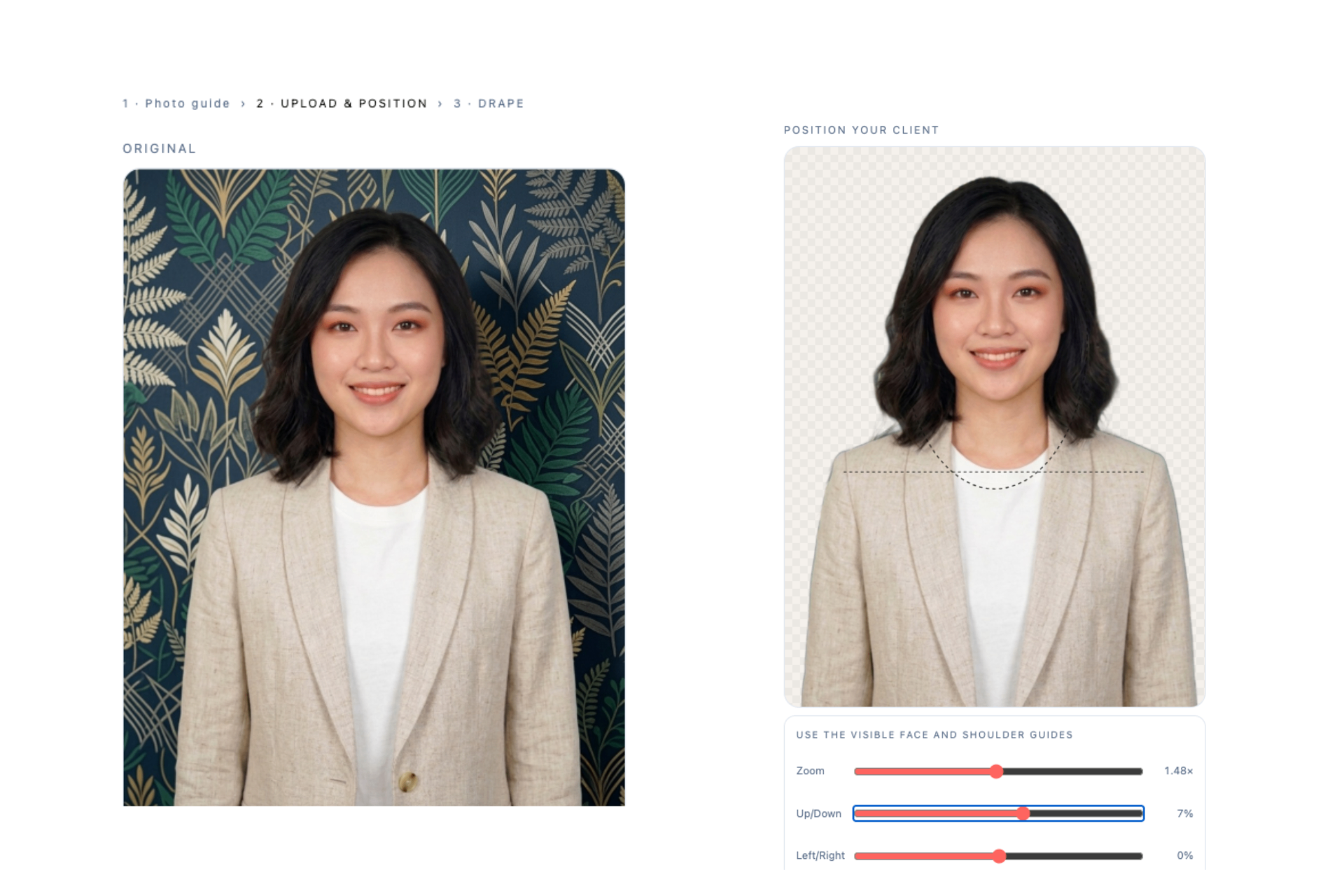
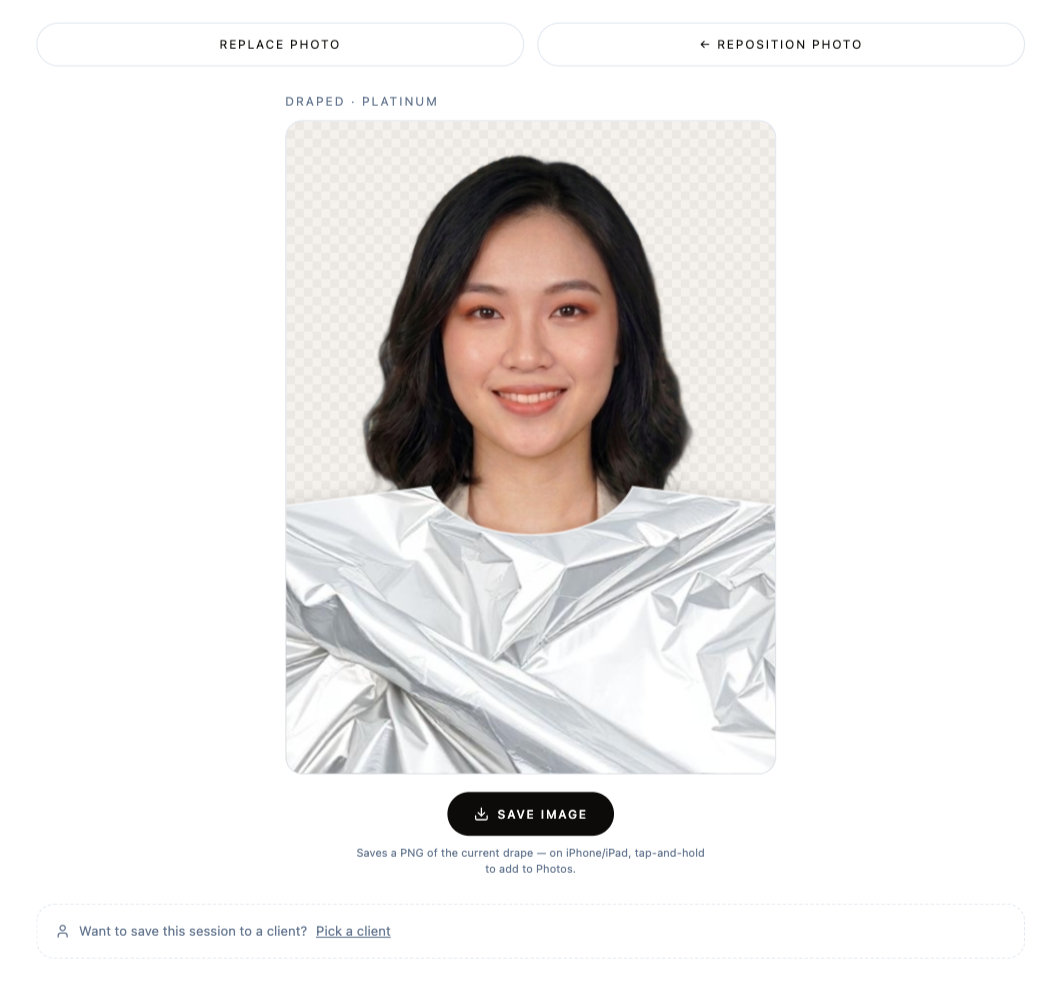
HUEME Studio
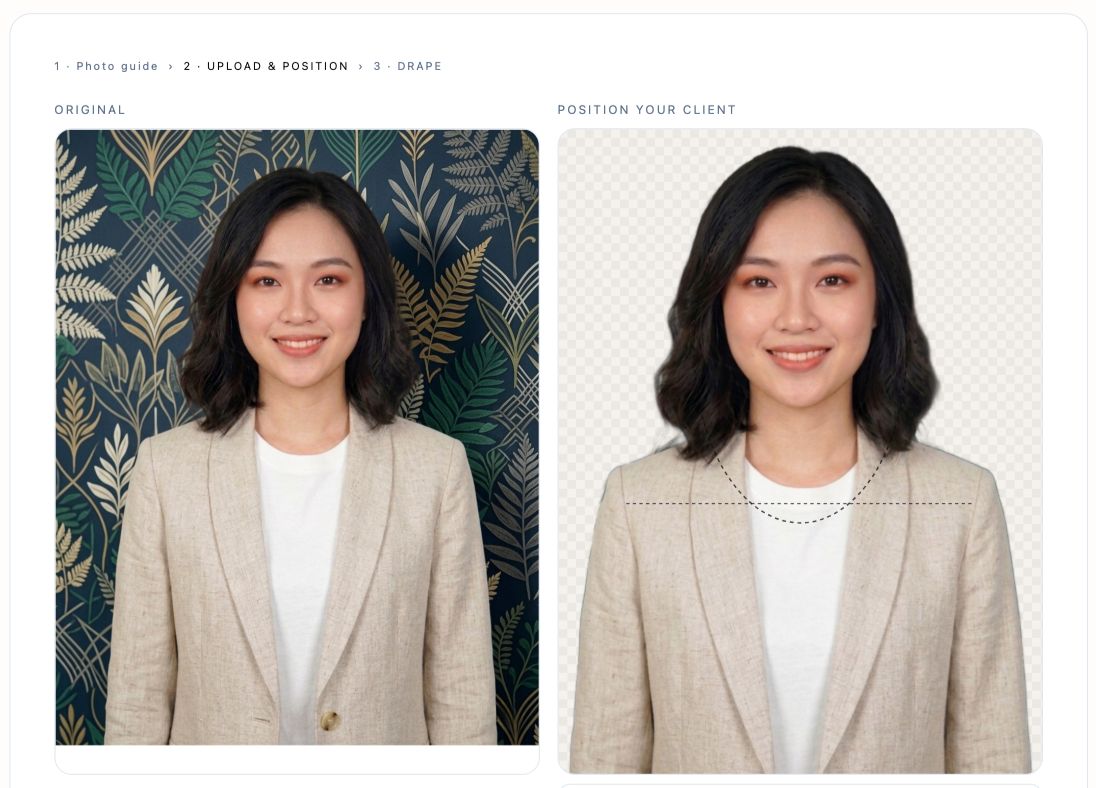
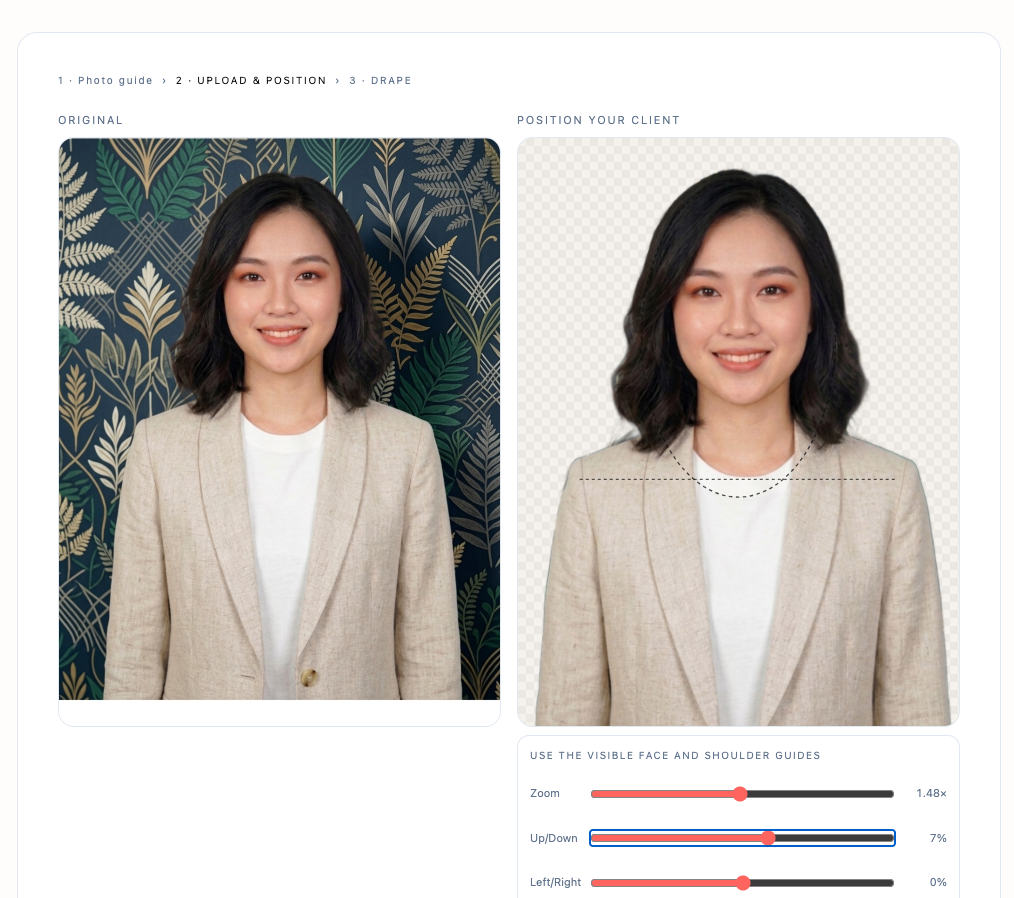
Analyse your client in colour. Upload your client's photo, digitally drape, and deliver a beautiful personal colour report, at the click of a button.
Open HUEME StudioStep 04 · In-store
HUEME Match
Point your phone at any colour, fabric, paint chip, a scarf in store, and HUEME Match identifies the closest 12-season palette colours with a confidence score. Perfect for shopping trips and live consultations.
Open HUEME Match
Step 05 · Shape
HUEME Style
Personal stylist for your clients. Upload a front-on photo, get the shape category and a tailored cheat sheet of cuts, necklines and silhouettes that work with their natural proportions.
Open HUEME Style
Step 06 · Shop
HUEME Shop
Build a colour-matched shopping capsule for each client. Pick from the catalogue, group items into looks, then send a branded share link they can shop straight away.
Open HUEME Shop
Step 07 · The client
HUEME Connect
Your client records in one place. Send intake forms before the session, hand over a branded report after, and collect feedback, all from here.
Open HUEME Connect
Storage policy: while your Professional subscription is active, every client record, drape session, photo, palette, feedback entry and report is kept for you, no auto-delete, no cap (fair-use up to 100 new clients/month). Cancel and we'll archive your data; download anything you'd like to keep on your own device.